
Most Malaysian business websites are leaving organic traffic on the table — not because SEO is too difficult or expensive, but because fundamental issues are going undetected. A broken redirect here, a missing meta description there, images that take 8 seconds to load — each problem costs you rankings, and most business owners have no idea they exist.
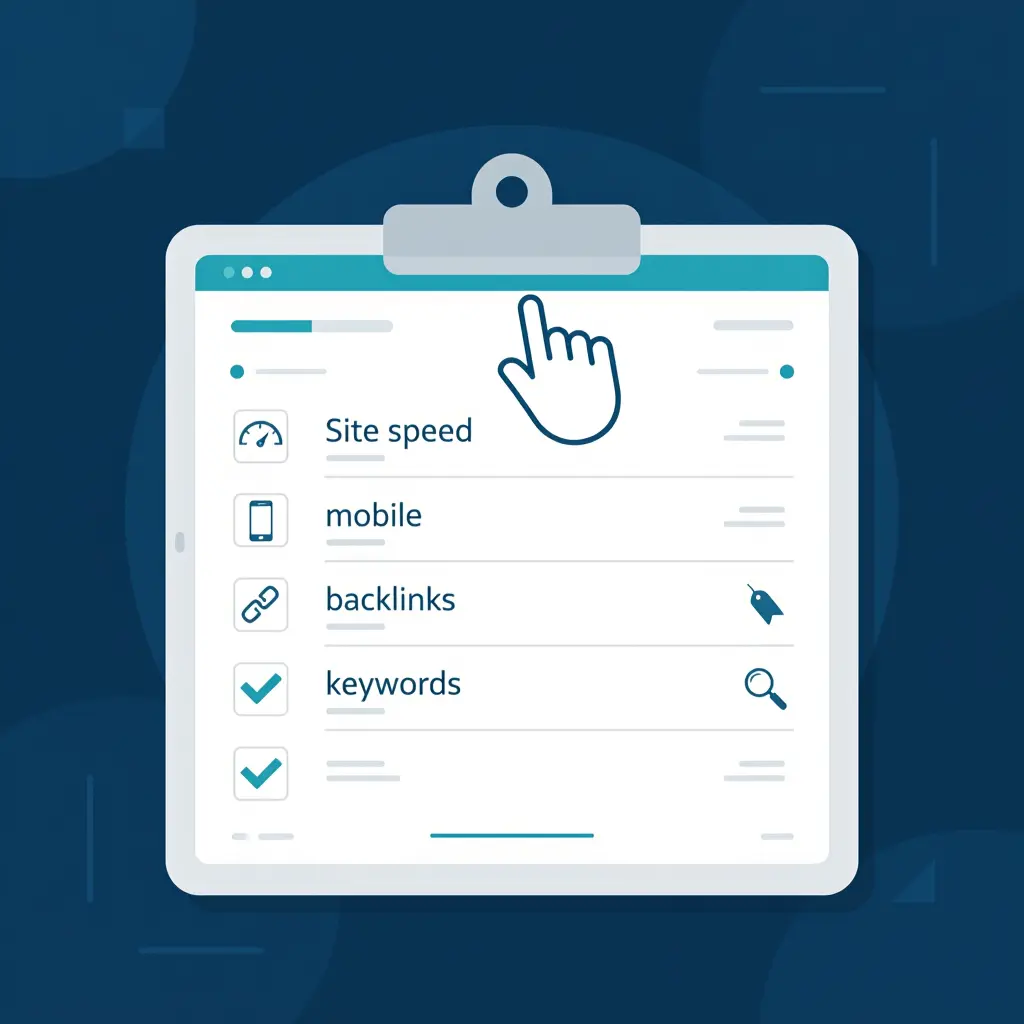
An SEO audit is the diagnostic process that surfaces these issues. This checklist covers the four key areas every Malaysian business should review: technical SEO, on-page SEO, content quality, and off-page signals. Work through it systematically and you will have a clear action plan for improving your Google rankings.
If you are new to SEO, start with our overview: What Is SEO and Why It Matters for Malaysian Businesses.
What Is an SEO Audit?
An SEO audit is a comprehensive review of your website — and your broader online presence — to identify factors that are preventing you from ranking well on Google. A good audit does not just generate a list of problems; it prioritises them by impact so you know where to focus first.
Most websites have dozens of SEO issues. Not all of them matter equally. The audit process distinguishes between critical blockers (things that are actively suppressing your rankings), significant opportunities (improvements with high ranking potential), and minor tweaks (nice-to-fix but low priority).
Part 1: Technical SEO Checklist
Technical SEO ensures Google can crawl, index, and understand your website. Issues here affect your entire website, not just individual pages — they are the highest-priority fixes.
Crawlability and Indexation
- Check Google Search Console for crawl errors. Go to Coverage report — any pages marked as "Error" need immediate attention.
- Verify your robots.txt file is not accidentally blocking important pages from being crawled.
- Check that important pages are indexed by searching
site:yourdomain.com.myin Google. Pages not appearing may have indexing issues. - Submit an XML sitemap to Google Search Console. Ensure it is up to date and includes all important pages.
- Check for duplicate content caused by multiple URLs serving the same page (e.g. with and without www, with and without trailing slash).
HTTPS and Security
- Confirm your website uses HTTPS. Google marks non-HTTPS sites as "Not Secure" and gives ranking preference to secure sites.
- Check for mixed content warnings — pages that load over HTTPS but include HTTP resources (images, scripts).
- Ensure HTTP redirects properly to HTTPS — every variation of your URL should end up at the correct canonical HTTPS version.
Page Speed and Core Web Vitals
- Test your page speed using Google PageSpeed Insights (pagespeed.web.dev). Aim for a score above 75 on mobile.
- Check Core Web Vitals in Google Search Console — particularly Largest Contentful Paint (LCP) and Cumulative Layout Shift (CLS).
- Compress images — large unoptimised images are the most common cause of slow Malaysian business websites. Convert to WebP format where possible.
- Enable browser caching so returning visitors load pages faster.
- Minimise render-blocking scripts — load JavaScript asynchronously or defer it where possible.
Mobile Optimisation
- Test your website on mobile using Google Mobile-Friendly Test. Google uses mobile-first indexing — your mobile experience directly affects rankings.
- Check that buttons and links are large enough to tap on a phone screen without zooming.
- Verify there is no horizontal scrolling on mobile — this is a common issue on Malaysian websites built for desktop.
URL Structure and Redirects
- Check for redirect chains — pages that redirect through multiple hops (A → B → C) lose link equity and slow down load times.
- Identify 404 errors — pages that used to exist and have been deleted without a redirect. Each one is a lost backlink opportunity.
- Ensure URLs are clean and descriptive — avoid parameter-heavy URLs like
?page=123&id=456for main content pages.
Part 2: On-Page SEO Checklist
On-page SEO is what you control on each individual page. Run through this checklist for your most important pages first — homepage, service pages, and top-performing articles.
Title Tags and Meta Descriptions
- Every page has a unique title tag — no two pages should share the same title. Include your primary keyword naturally.
- Title tags are 50–60 characters — longer titles get truncated in search results.
- Every page has a unique meta description of 155–160 characters. This is your search result advertisement — make it compelling.
- Check for missing or duplicate title tags using a tool like Screaming Frog or Google Search Console.
Heading Structure
- Each page has exactly one H1 tag — and it includes your primary keyword for that page.
- H2 and H3 tags are used logically to organise content into sections — not for styling purposes.
- Headings answer real questions your target customers are searching for.
Keyword Targeting
- Each important page targets a specific keyword (or small cluster of related keywords) — not the same keyword as other pages.
- Target keyword appears naturally in the title, H1, first 100 words, and at least one subheading.
- Avoid keyword cannibalism — multiple pages targeting the same keyword compete with each other and dilute rankings.
Internal Linking
- Important pages receive internal links from other relevant pages on your website.
- Anchor text is descriptive — avoid generic "click here" or "read more" anchor text. Use keywords that describe the target page.
- No orphan pages — every page should be reachable via internal links, not just through the sitemap.
Images
- All images have descriptive alt text that describes the image content and, where appropriate, includes a relevant keyword.
- Image file names are descriptive — use
seo-audit-malaysia.webp, notIMG_0234.jpg. - Images are appropriately sized — do not display a 2000px image at 300px width; resize at the source.
Schema Markup
- Implement Organisation schema on your homepage with your business name, address, phone, and logo.
- Use LocalBusiness schema if you serve a specific geographic area in Malaysia.
- Add Article or BlogPosting schema to blog posts and guides.
- Use FAQPage schema for pages with FAQ sections — this can earn rich results in Google.
- Test your schema using Google Rich Results Test (search.google.com/test/rich-results).
Part 3: Content Quality Checklist
Google's ranking systems increasingly prioritise content that demonstrates genuine expertise, experience, and usefulness — what Google calls E-E-A-T (Experience, Expertise, Authoritativeness, Trustworthiness). Thin or low-quality content actively suppresses rankings.
- Identify thin content pages — pages with very little substantive content (under 300 words on a main service page, for example). Either improve them or consolidate them with related pages.
- Check for duplicate or near-duplicate content — pages that are almost identical in content confuse Google about which to rank.
- Each service page clearly explains what you offer, who it is for, what the process looks like, and what results to expect.
- Content is written by a named author with verifiable credentials where expertise matters.
- Include specific, local Malaysian context — case studies, local examples, relevant regulations, regional pricing context.
- Pages are regularly updated — outdated content with old statistics or references signals low quality to Google.
- Your About page clearly establishes credibility — who is behind the business, what qualifications they have, how long they have been operating.
Part 4: Off-Page SEO Checklist
Off-page SEO reflects how the rest of the internet perceives your website. For Malaysian businesses, local signals are particularly important.
- Audit your backlink profile using a tool like Ahrefs, Moz, or Google Search Console (Links report). Identify the number of referring domains and check for spammy or toxic links.
- Disavow toxic backlinks if you have links from spammy or penalised websites — these can hurt your rankings.
- Claim and verify your Google Business Profile — see our full Local SEO Malaysia guide for step-by-step instructions.
- Check your NAP consistency across Google Business Profile, your website, and all online directories. Inconsistencies weaken local rankings.
- Identify competitor backlink sources — find out where your top-ranking competitors are earning links and target similar opportunities.
- Monitor brand mentions — use Google Alerts to track mentions of your business name. Unlinked mentions can often be converted into backlinks by contacting the publisher.
How Often Should You Audit Your Website?
For most Malaysian SMEs, a full SEO audit should be conducted:
- Once or twice per year for a comprehensive review
- Immediately after a website redesign or migration — these are the highest-risk moments for SEO problems
- After a major Google algorithm update — if your traffic drops significantly, an audit can diagnose the cause
In between full audits, monitor Google Search Console monthly for new crawl errors, manual actions, or drops in impressions that may signal an emerging issue.
What to Do After the Audit
An audit without action is just a list of problems. Once you have worked through the checklist:
- Prioritise by impact. Fix technical blockers first — they affect the entire website. Then address on-page issues on your highest-traffic and highest-value pages.
- Create a timeline. Assign each fix to a team member or external resource with a clear deadline.
- Track your baseline. Before making changes, record your current keyword rankings, organic traffic, and impressions in Google Search Console. This lets you measure the impact of your improvements.
- Re-audit after implementation. Verify that fixes have been correctly applied and have not introduced new issues.
- Monitor for results. Rankings typically improve within 4 to 12 weeks of technical and on-page fixes being implemented and recrawled by Google.
Frequently Asked Questions
What is an SEO audit?
An SEO audit is a comprehensive review of your website to identify technical issues, on-page weaknesses, content gaps, and off-page factors that are preventing it from ranking well on Google. A professional audit produces a prioritised action plan with estimated impact for each recommendation.
How much does an SEO audit cost in Malaysia?
A professional SEO audit in Malaysia typically costs between RM500 and RM3,000, depending on website size and the depth of analysis required. Some SEO consultants, including ourselves, offer a free initial audit as part of a consultation that covers the most critical issues. A more comprehensive audit — covering technical, on-page, content, and off-page factors in detail — is typically a paid engagement.
Can I do an SEO audit myself?
Yes — this checklist covers the key areas you should review. Free tools like Google Search Console, Google PageSpeed Insights, and Mobile-Friendly Test give you access to much of the data you need. For a deeper technical audit, tools like Screaming Frog (free up to 500 URLs), Ahrefs, or Semrush are used by professionals. The challenge is knowing how to interpret the data and prioritise fixes — which is where professional expertise adds most value.